
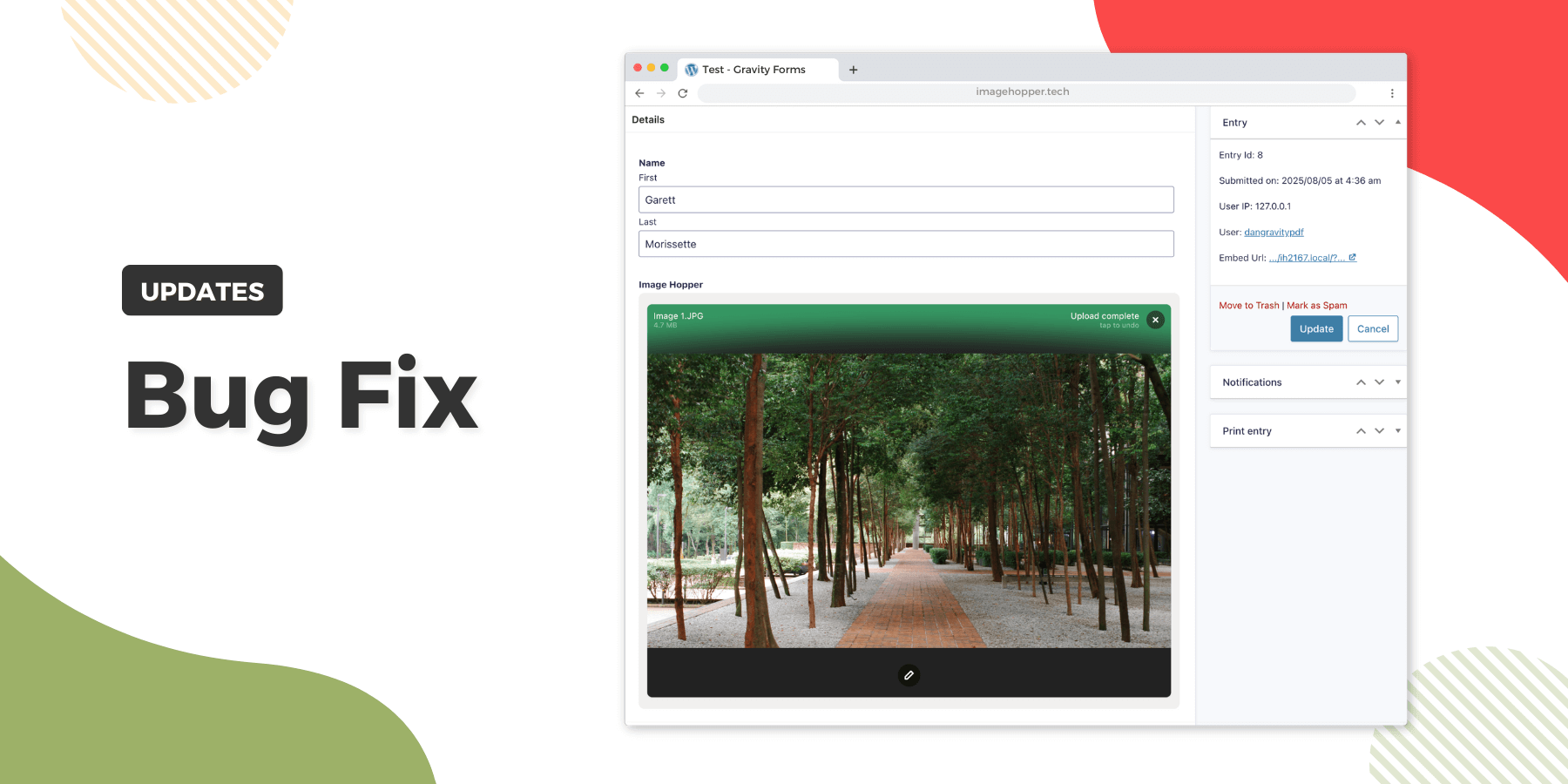
We’ve just released Image Hopper 2.16.7 to catch and display cross-origin resource sharing (CORS) errors when editing Gravity Forms entries. This change prevents offloaded images from potentially being stuck in an infinite loading loop in an Image Hopper field if CORS is not correctly configured on the remote server.
We recommend updating to this latest version for a more stable and reliable experience.
How to Get the Updates
You can get this update directly from your WordPress dashboard via One-Click Updates or by downloading the latest version from your account page. As always, we highly recommend updating to the latest version of Image Hopper.
Changelog
Bug Fixed
- Prevent images being stuck in an infinite loading cycle if a CORS error occurs when editing existing entries

Keep up to date on all things Image Hopper by joining our newsletter.