
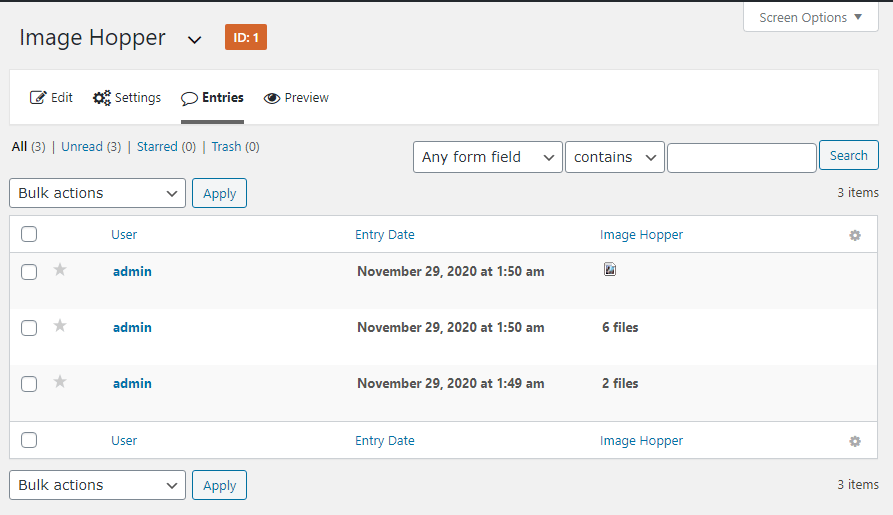
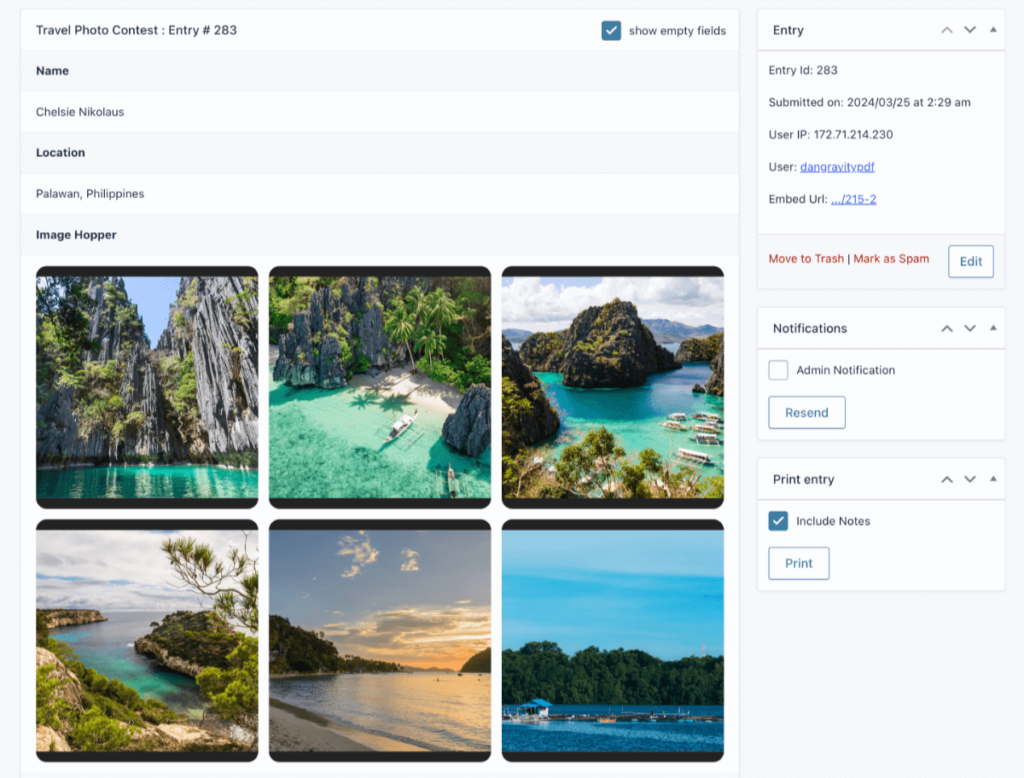
After the form has been submitted, the Image Hopper field displays the number of uploaded images in the Entry List and the actual images on the Entry Details page.
Editing an Entry
When viewing an entry, you can edit it to add, remove, or reorder any Image Hopper images. If you have the Image Hopper Editor functionality enabled, you can also edit individual images with the available editing tools. To enable the Editor, refer to the Image Hopper Editor documentation.