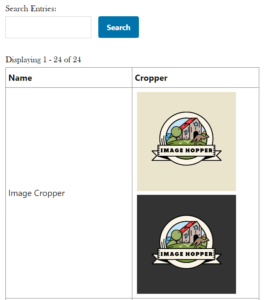
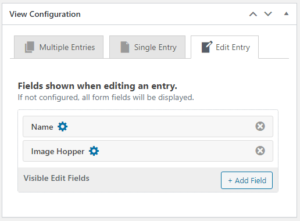
GravityView is a powerful page builder that uses Gravity Forms data for the source. Image Hopper is fully supported in the Listing / Table Views, and on the Multiple Entries, Single Entry, and Edit Entry View pages.
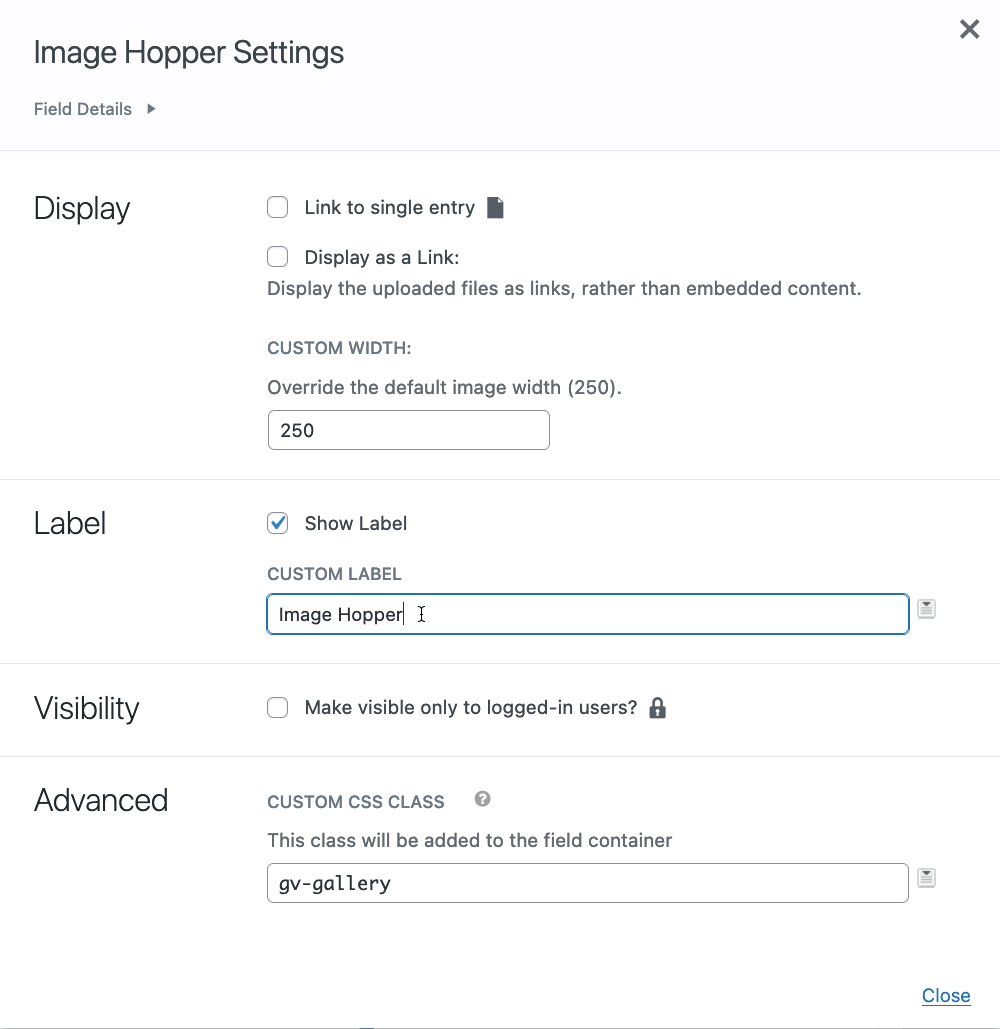
When configuring the Image Hopper fields in your Views, you will have the same settings and functionality that Upload fields have. This includes setting the default image width, displaying links to the files instead of the images themselves, or using the gv-gallery CSS class to automatically create a lightbox gallery.
Editing is supported on both the standard Image Hopper field and the Post Image fields in GravityView. If the Image Hopper Post Image has been set as a Featured Image, GravityView will automatically update the linked Post when updated.
From Image Hopper 2.13+ the IH field can be used in the conditional logic for GravityView’s Advanced Filtering add-on.